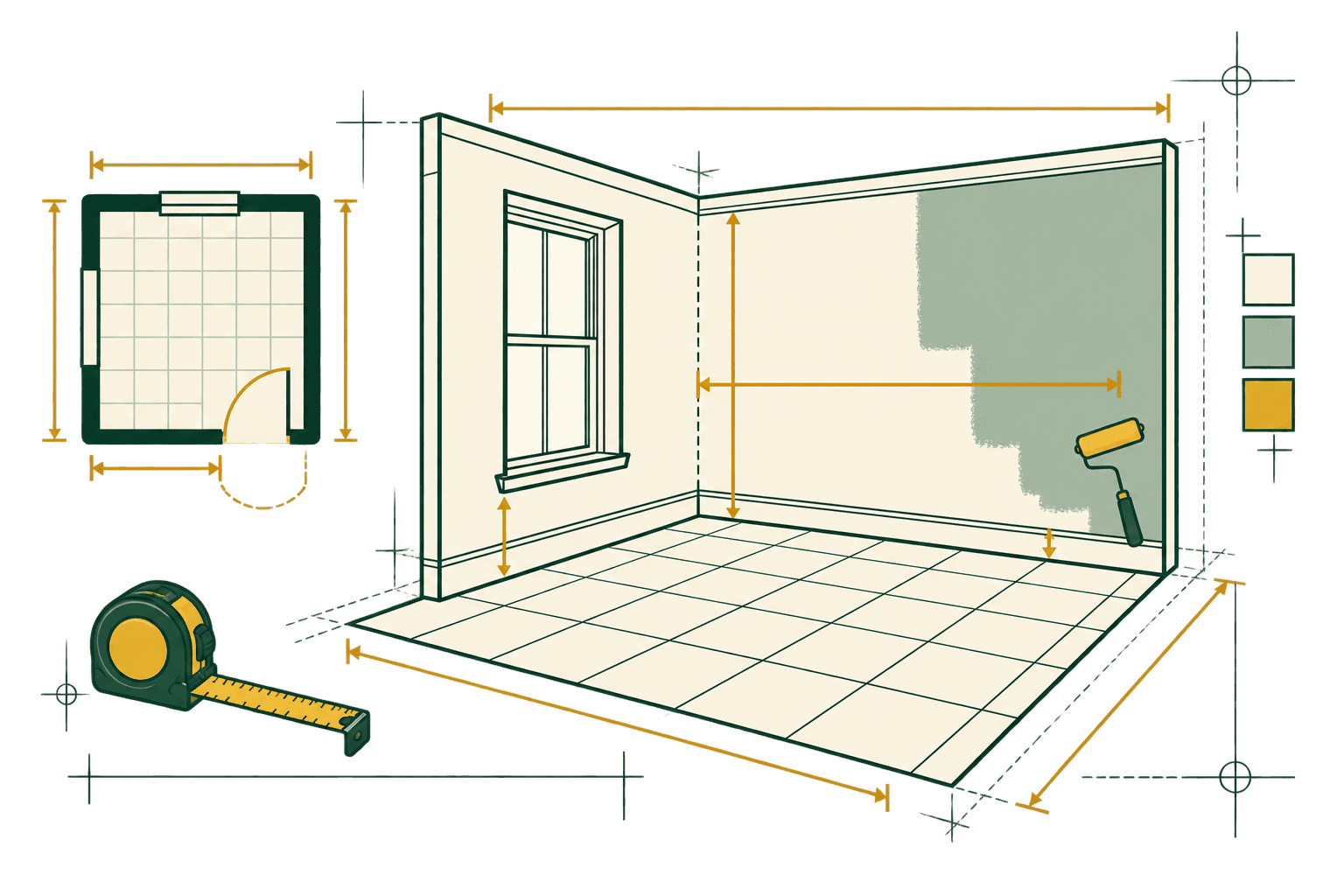
Plan your interior project
Interior material planning works best when the surface you are buying for is measured directly. A room calculator can give you a fast starting point, but doors, windows, islands, closets, ceilings, and different products can change the area. The tools here let you add those details instead of hiding them inside one rough room size.
Use paint and drywall room mode for a quick four-wall estimate, or use direct-area mode when you already measured the surface. Use tile and flooring area rows when you need to subtract uncovered spaces or compare whole cartons. The allowance is a planning buffer for cuts, breakage, or offcuts. Package coverage, sheet size, coats, surface condition, and installation pattern still belong to the product and project plan.
Walk the room before entering numbers. Mark doors, windows, built-ins, islands, closets, transitions, and any surface that will stay as it is. Measure each area that uses a different product or finish. For an irregular room, split the floor or wall into smaller rectangles and use exclusions for spaces that do not need coverage.
Keep the product label nearby while you work. Paint coverage changes with the surface and number of coats. Tile and flooring cartons can use different coverage, lots, and patterns. Drywall sheets have to reach and fit through the site. The calculator gives you a quantity to check, while the product instructions and installation plan decide the final order.
Write the room name beside each measurement and keep spaces with different products in separate groups. This matters when one room has a tile floor, painted walls, or a closet with another finish. A short list of exclusions and package values makes the estimate easier to update after a design or product choice changes. It also helps you compare the result with a store receipt or a later room measurement.
Choose the right calculator
Pick the tool that matches the material and the unit you will buy.
- Paint CalculatorEstimate paint gallons and whole-gallon purchases for rooms or direct wall areas.
- Tile CalculatorEstimate tile count, target coverage, whole boxes, and optional cost.
- Drywall CalculatorEstimate drywall sheets from room or direct wall area with openings and allowance.
- Flooring CalculatorEstimate flooring purchase area, boxes, package overage, and optional cost across rooms.
Planning considerations
- Measure each room or surface that uses the same material and finish.
- Subtract openings, islands, closets, or other areas that will not receive the material.
- Use coverage from the paint, tile, flooring, or drywall package for whole-unit planning.
Before you buy
- Confirm package coverage, sheet size, tile shade and caliber, plank lot, or paint label coverage.
- Plan trim, transitions, underlayment, setting materials, fasteners, primer, and joint materials separately.
- Keep a cut or hanging layout nearby when the room shape or pattern is not rectangular.