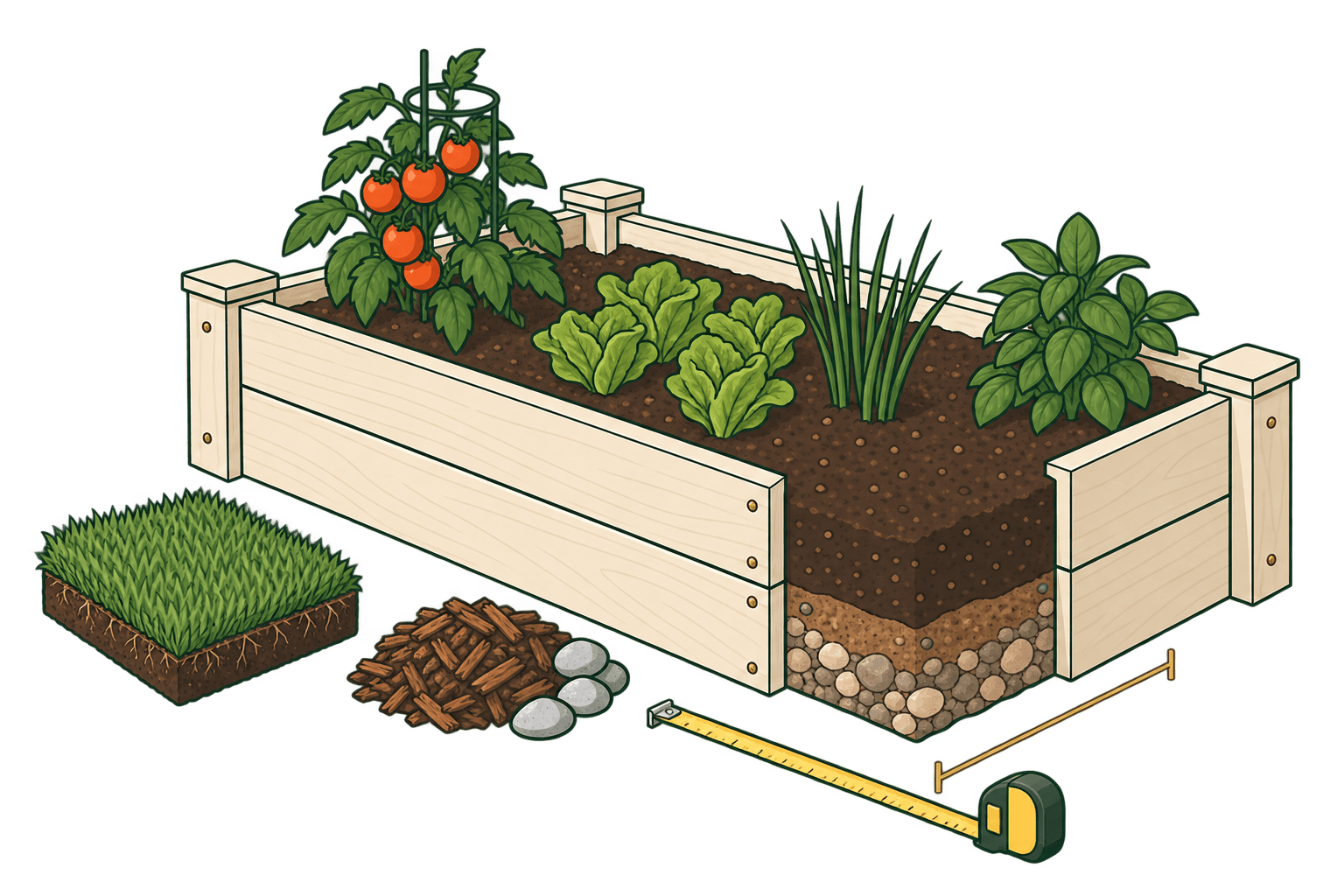
Plan your landscaping project
Landscaping estimates start with the space you can see and measure. A lawn may have a side strip, a bed may have a path through it, and a planting area may use a different depth from the rest of the yard. Measuring those pieces separately gives you a number you can check before you compare bulk delivery, bags, pallets, or rolls.
The tools on this page turn length, width, and depth into practical quantities. Sod shows whole pallet and loose-roll options. Soil and mulch show volume and bag planning. Gravel and decorative rock show volume first, then use an editable density when a weight estimate helps with delivery. Raised-bed soil keeps each bed's inside dimensions and fill level visible. Start with the tool that matches the material you are buying, then confirm package coverage and supplier details before you place an order.
Before you measure, walk the space and mark the parts that will use the same material. Note patios, paths, edging, trees, beds, slopes, and places where the depth will change. A simple sketch with a few labeled rectangles is often enough for an early estimate. If an area is hard to describe as a rectangle, split it into smaller pieces and keep the pieces visible in the calculator.
Use the result as a conversation starter at the garden center or with a delivery supplier. Ask what the package covers, how the material is loaded, and where it can be placed. Keep the measured area, the allowance, and the supplier's current product details together. That makes it easier to spot a mismatch before material arrives and to update the estimate when the plan changes.
If the project uses more than one material, estimate each material on its own. Sod, soil, mulch, and rock may cover nearby spaces but they use different units and different assumptions. Save the supplier's answers for each product, especially when a delivery is quoted by weight and the calculator is showing volume. This keeps a useful comparison from turning into one misleading total. It also gives you a short checklist to bring when you are standing at the store or reviewing a delivery quote. Write down the date of the supplier's answer when coverage or availability may change before the work begins. Keep a copy of the sketch with the final order so you can check what was measured if the site changes later.
Choose the right calculator
Choose the tool that matches the material and the way it is sold.
- Sod CalculatorEstimate sod area, pallets, loose rolls, and order overage.
- Topsoil CalculatorEstimate topsoil volume in cubic yards, cubic feet, meters, and bags.
- Mulch CalculatorPlan mulch in cubic yards, cubic feet, and whole bags.
- Gravel CalculatorEstimate gravel volume, cubic yards, cubic meters, and tons.
- Landscape Rock CalculatorEstimate decorative rock volume and editable density-based tonnage.
- Raised-Bed Soil CalculatorEstimate soil volume for multiple raised beds and whole bags.
Planning considerations
- Measure each section that has a different material or depth.
- Subtract paths, patios, beds, or other spaces that will not receive the material.
- Use the product label or supplier information for coverage, density, bag volume, and delivery terms.
Before you buy
- Check whether the material is sold by pallet, roll, bag, cubic yard, cubic meter, or ton.
- Ask where the delivery can be placed and how far you will need to move bags or bulk material.
- Keep the calculator result and the supplier's product details together so you can compare like units.